Yankee Stadium200 ft
Their light lives on
Carry their light with you.
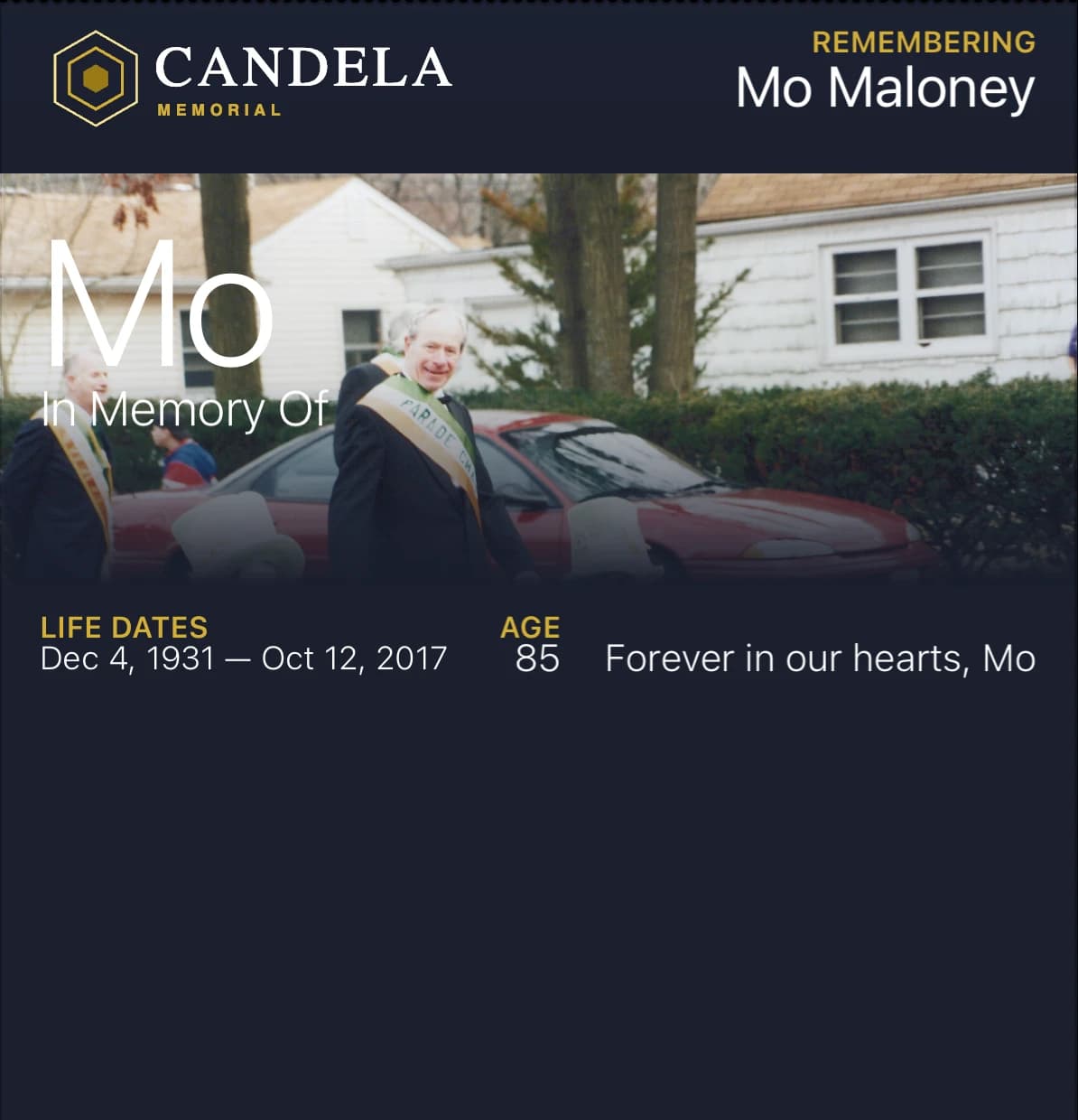
A memorial card you add to Apple Wallet or Google Wallet, with their photo, their name, and the time and place of the services. Behind the card, a memorial page where everyone who knew them shares photos and stories, lights a candle, and remembers them.
The ones we love are never truly gone.
Get started
Free · about five minutes
What it is
A memorial card for the phone, and a memorial page for everyone who knew them.
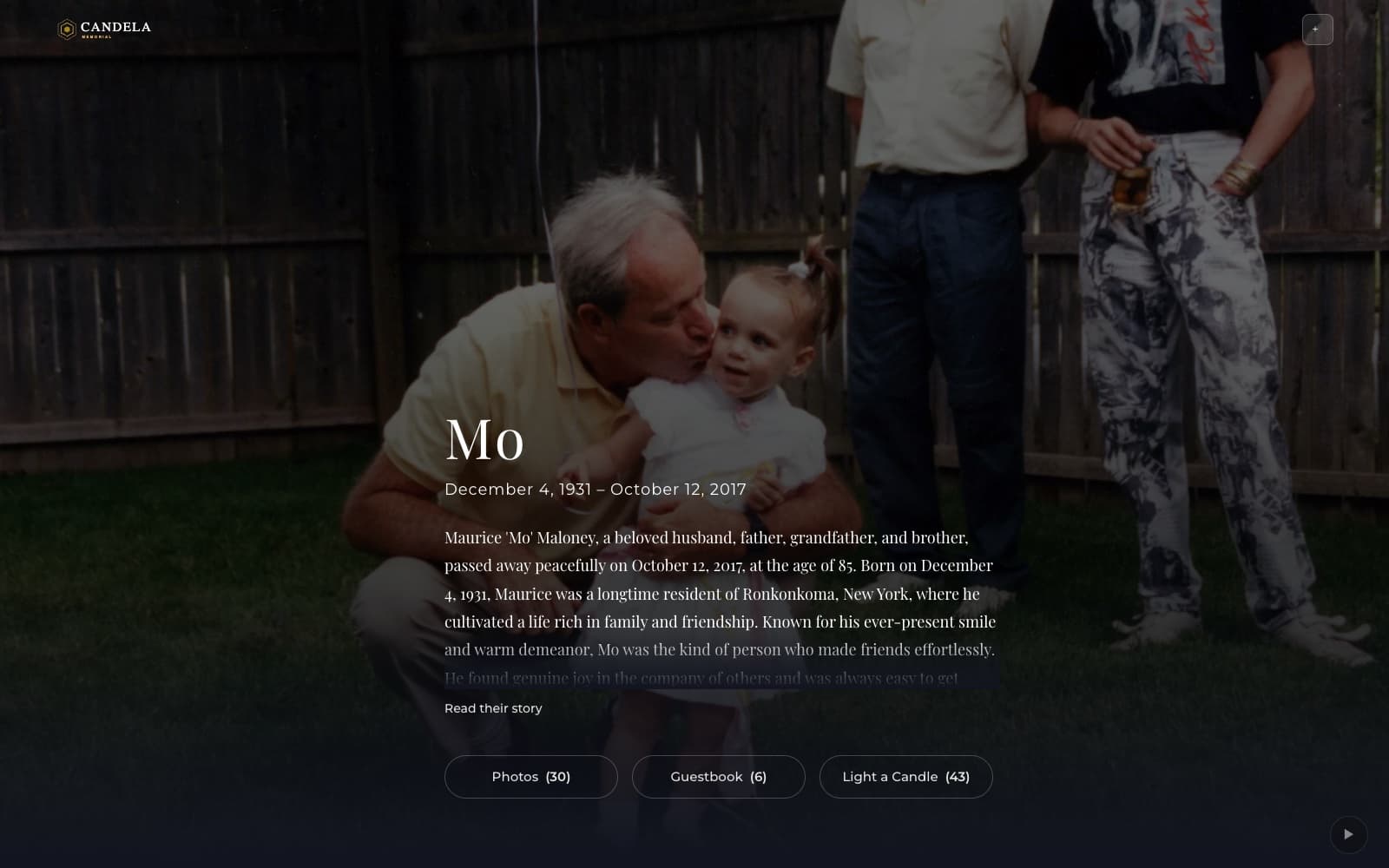
The card holds a photo of them, their name, and a prayer or a line from them, and it is saved in the Wallet app on the phone people already have. The card links to the memorial page, where people share photos and stories, light a candle, and sign the guestbook.
It is a digital prayer card. Funeral homes print its QR code on the program, and families keep the card long after the service. Everyone at the service can add it. Text the link or share it on Facebook, and everyone who knew them can add it too. If a time or a place changes, their card changes with it.
You choose the days and the places. On an iPhone, everyone who has the card sees it on their lock screen on the day of the services, with the time and the place, so they know how to pay their respects. On an iPhone, when someone with the card is near a place that was theirs, the card appears on their lock screen too.
Before and after the services
The same card helps before the services and after them.
When the services are coming up
Let everyone who added the card know when and where. On an iPhone, everyone who has the card sees it on their lock screen on the day of the services, with the time and the place, so they know how to pay their respects.
After the services
On an iPhone, when someone with the card is near a place that was theirs, the card appears on their lock screen. The card also appears on the lock screen on their birthday and on the anniversary of the day they died.
Places that were theirs
The card is there at the places that were theirs.
On an iPhone, when someone with the card is near a place that was theirs, the card appears on their lock screen, with a few words the family wrote about that place.
The diner on 25A40 ft
More than a card
Start with a name and a photo.
In a few minutes you have a card, and a page the whole family can add to.
Apple Wallet and Google Wallet
A card with a photo of them, added to Apple Wallet on an iPhone or Google Wallet on an Android phone. There is no app to download.
On the days that matter
On an iPhone, everyone who has the card sees it on their lock screen on the day of the visitation and the funeral. The card also appears on the lock screen on their birthday and on the anniversary of the day they died.
Places that were theirs
Add places that were theirs, like their church, the place where they rest, or their favorite diner. On an iPhone, when someone with the card is near a place that was theirs, the card appears on their lock screen.
Opens on any phone
The memorial is a web page, so it opens from a link on any phone. People do not need an account to open it.
Photos, stories, candles
Family and friends add their own photos and stories to the memorial. The card links to the memorial page, so people always see what has been added.
A QR code
From the printed program or the stone to the living memorial.
How it works
From their name to a card, in minutes.
- Add their name. Add a photo of them too, if you have one.
- Add the card to Apple Wallet or Google Wallet. There is no app to download.
- Share one link. Family and friends open the memorial on any phone and add their own memories.
Their days
- Visitation and funeral
- Birthday
- Anniversary
- Holidays
- Religious days
- And more
Their places
- Church
- Where they rest
- Where they lived
- A restaurant
- A park bench
- And more
What it costs
It is free to begin, and $99 once if you want more.
Creating a Candela card and memorial is free. For $99, paid once, the memorial holds 200 photos, 10 places, 10 dates, and 3 card designs. There is no subscription and there are no other fees.
See what is includedQuestions
Questions families ask
Do I need an app?
No. The memorial opens on any phone from a link or a QR code. You add the card to Apple Wallet or Google Wallet, the Wallet already on the phone.
What does my phone show me?
On an iPhone, you see their card on your lock screen on the day of the services, with the time and the place, so you know how to pay your respects. On an Android phone, the card in Google Wallet shows the same time and place.
Does it work on Android?
Yes. Google Wallet on Android, Apple Wallet on iPhone. The card on the lock screen on the day of the services is an Apple Wallet feature today. The memorial page itself opens on any phone, in any browser.
How much does it cost?
The card and the memorial are free, with 1 place and 1 date of your own. For $99, paid once, the memorial holds 200 photos, 10 places, 10 dates, and 3 card designs. There is no subscription.
Carry their light with you.
It is free to begin. The people you invite do not need an app or an account.
Get started